

How to Register
This is how to register to bid on an online auction.
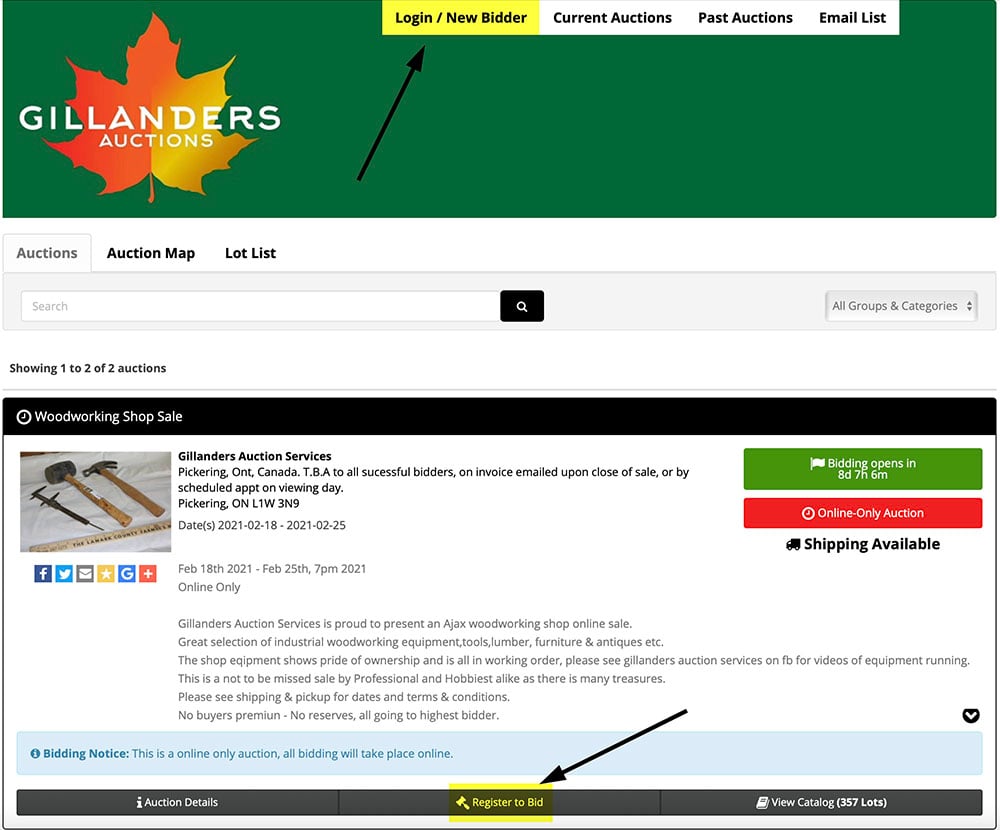
1. On the Gillanders Auctions HiBid site. Click on New Bidder up top of Register to Bid on the bottom.
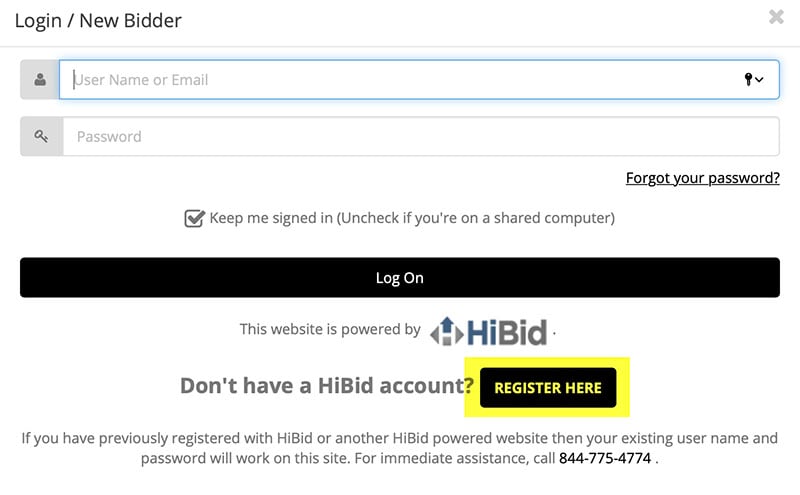
2. Click on the Register Here button
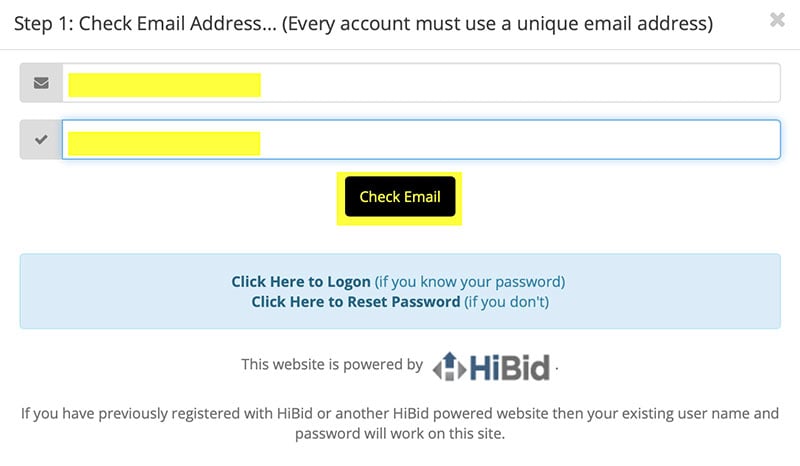
3. Enter your email address twice and then click on Check Email button.
This will verify that the two email address are the same and that an account with that email does not already exist.
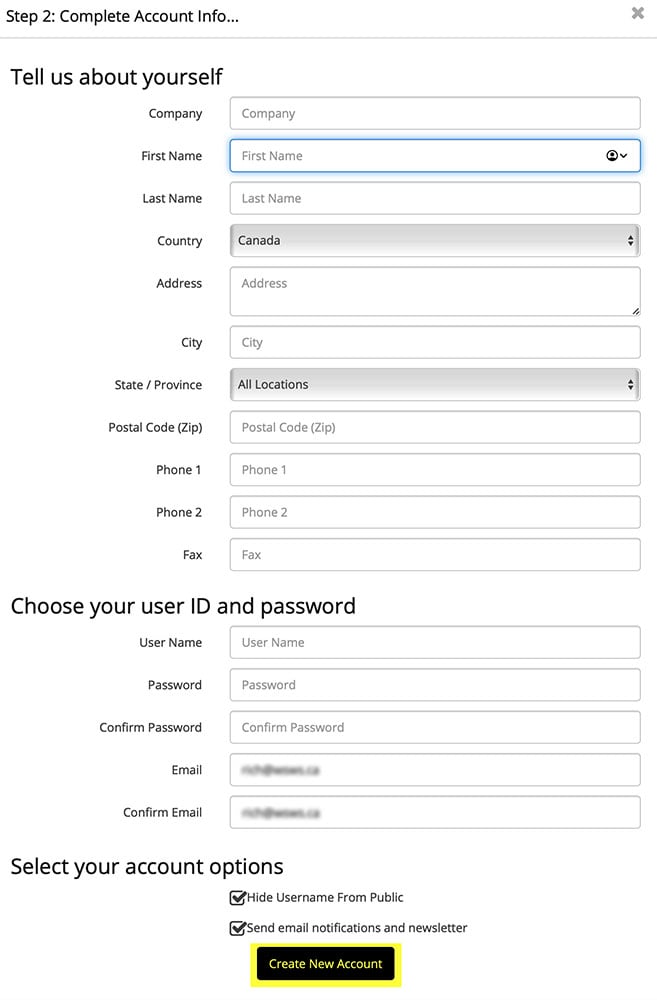
4. Now enter your address and contact information.
5. You have now created an account.
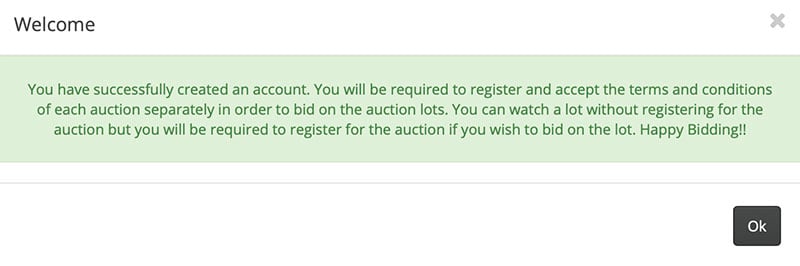
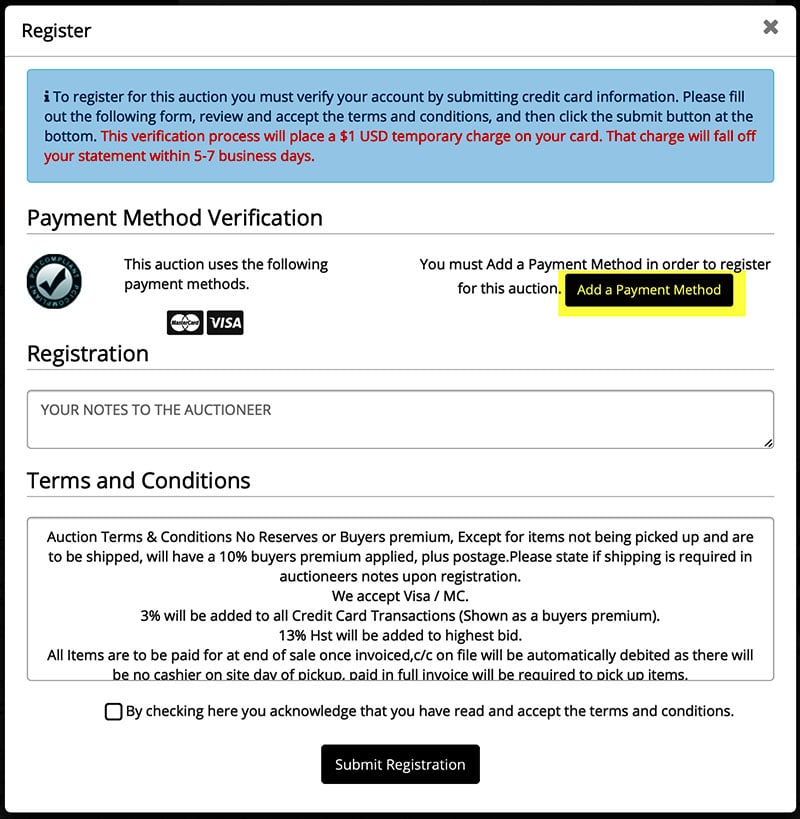
6. To join an auction, you need to add a payment method for that auction.
Click on Add a Payment Method
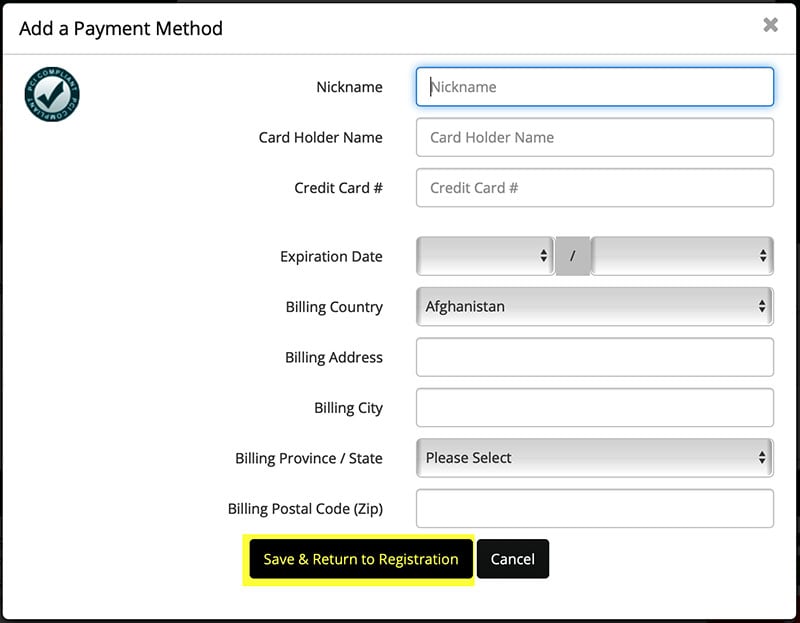
7. Fill in the details and then click on Save & Return to Registration
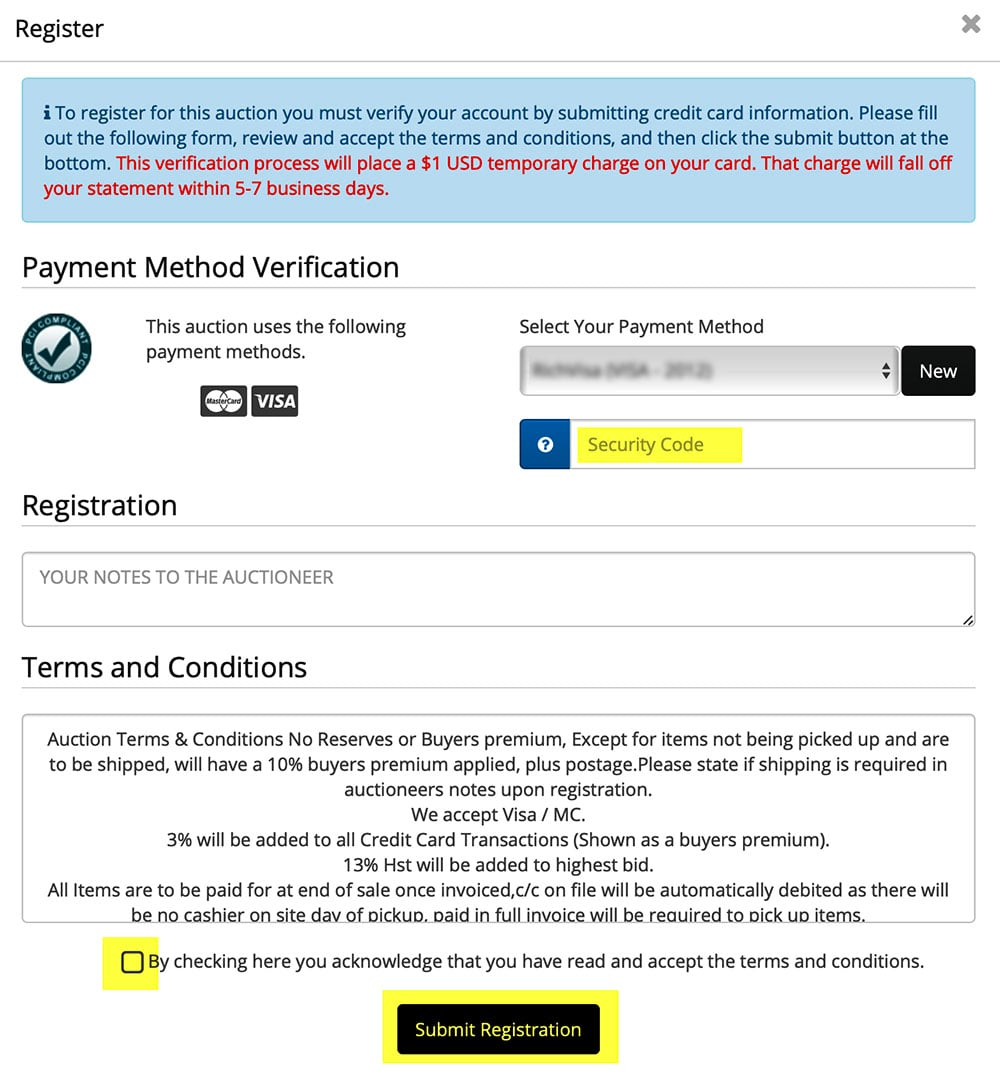
8. Enter the credit card security code to use for that auction, click the terms box and click Submit Registration.
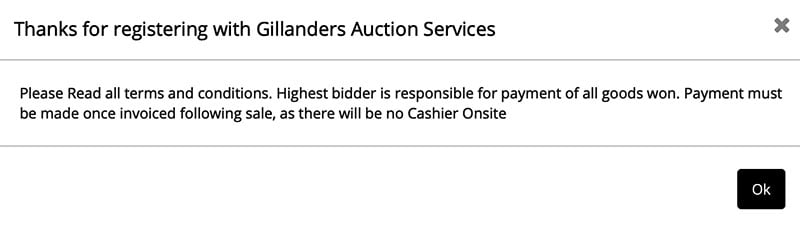
9. You are all set to bid now.
Visit our How to Bid page